Personal media casting · phone + any TV
Cast your channels, EPG and VOD to any TV.
Start on your Android phone, then send playback to the TV in the room — Fire TV, Android TV, Apple TV, Roku and more — over DLNA, UPnP and AirPlay. No cables, no account required.
- Direct from the developer
- No ads · No tracking
- No account required
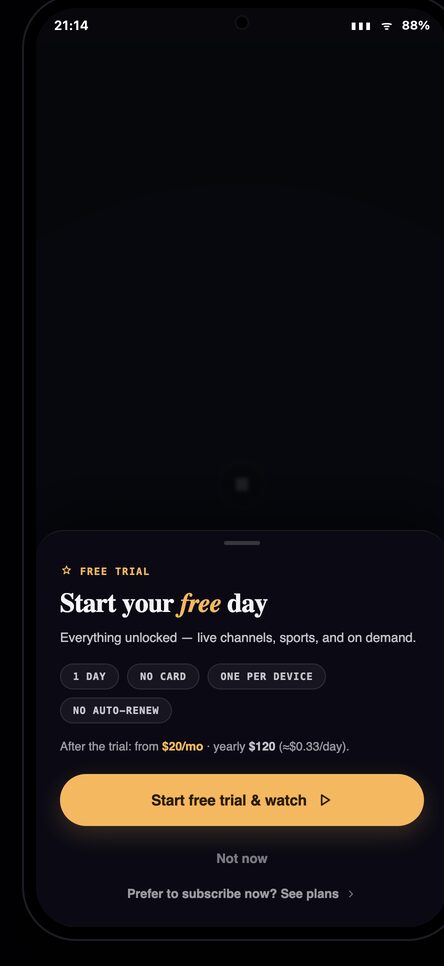
- Free 3-day trial
Features
Everything you need to watch on the big screen
A focused casting app — channel and EPG lookups, your VOD library, and one-tap cast to the TV in the room.
Channels & EPG
Browse live channels with a clean electronic program guide.
VOD library
Find and play on-demand titles, with posters and details.
Cast to any TV
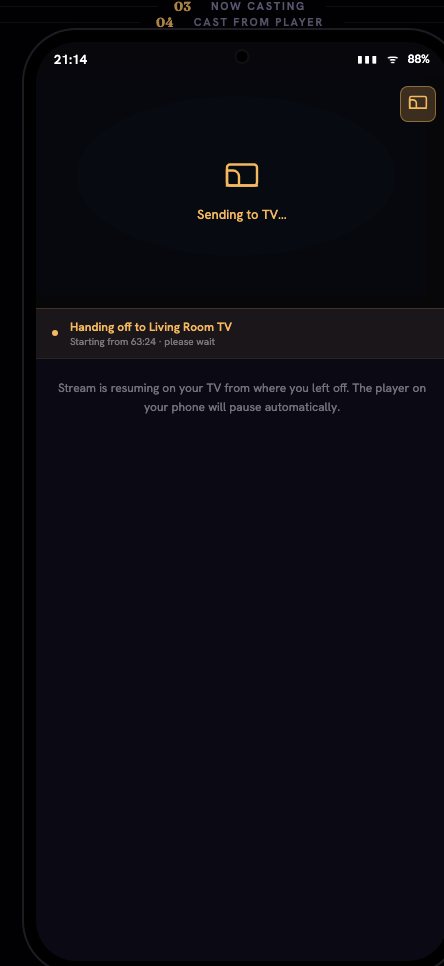
Send playback to your TV over DLNA, UPnP or AirPlay.
Offline license
Device-bound and verified on-device. No account, no sign-in.
Private by design
No third-party analytics, no Google or Firebase, no push.
Free 3-day trial
Try the full app for three days, then pay once. No subscription.
How it works
Up and running in three steps
-
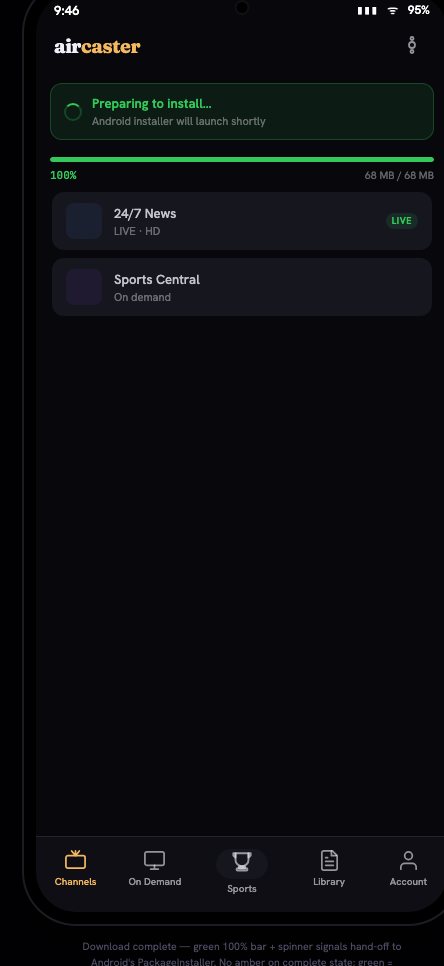
Install Aircaster
On your Android phone or your Fire TV — both are below.
-
Start your free trial
Open the app and begin the free 3-day trial. No account needed.
-
Pick a channel and cast
Choose what to watch and cast it to the TV in the room.
Download
Get Aircaster
Two ways to install — pick your device. Everything comes straight from aircaster.app, the only official source.
Android phone
Download the signed APK and install it directly. Works on Android 8 and newer.
Download APK for AndroidInstall steps (Android)
- Tap Download APK above and wait for it to finish.
- Open the downloaded file. If Android asks, allow “Install unknown apps” for your browser or Files app.
- Tap Install, then Open.
- (Optional) Turn the “unknown apps” permission back off afterwards.
Verify the SHA-256 above matches the file you downloaded. This APK is signed by Aircaster.
Fire TV / Fire TV Stick
Fire TV has no built-in browser, so you install Aircaster with the free Downloader app. In Downloader, you’ll enter a short address.
In the Downloader app, enter:
get.aircaster.app⚠️ Newer Vega OS Fire TV Sticks cannot sideload. Check compatibility in the guide below first.
Fire TV
Install Aircaster on Fire TV
Sideload Aircaster using the free Downloader app by AFTVnews. It takes a few minutes the first time — follow the steps in order.
⚠️ Check your Fire TV first
Aircaster installs on Fire OS 7 and Fire OS 8 devices — Fire TV Stick 4K, 4K Max, Lite, Cube, and older Sticks.
It does not work on the newest Vega OS models — the Fire TV Stick Select, HD Select and 4K Select — because Vega OS removes sideloading entirely. Aircaster cannot be installed on those devices.
Not sure which you have? On your Fire TV go to Settings → My Fire TV → About. If it says Fire OS 7 or 8 you’re good; if it mentions Vega OS, sideloading isn’t available.
In the Downloader app, enter this address
get.aircaster.appPrefer typing a number on your remote? You can also use the Downloader code (pending) — open Downloader, press the # number-pad button, and enter the code. It points to the same signed download.
Step-by-step
-
Unlock Developer Options
Go to Settings → My Fire TV → About, then select your device name and click it 7 times until it says developer options are unlocked.
Screenshot placeholder -
Allow installs from Downloader
Go to Settings → My Fire TV → Developer Options and enable Apps from Unknown Sources. On newer menus this is Install Unknown Apps → turn it on for Downloader.
Screenshot placeholder -
Install the Downloader app
From the Fire TV home screen, search for “Downloader”, install the official app by AFTVnews, open it, and allow file access if prompted.
Screenshot placeholder -
Enter the Aircaster address
In the Downloader address bar, type get.aircaster.app (or the code (pending)) and press Go.
Screenshot placeholder -
Wait for the download
Downloader fetches the signed Aircaster APK. Let it finish.
Screenshot placeholder -
Install Aircaster
When the installer appears, select Install, then Done (or Open to launch Aircaster right away).
Screenshot placeholder -
Clean up (optional)
Back in Downloader, choose Delete to remove the APK file and free space. You can also turn Apps from Unknown Sources back off now that you’re done.
Screenshot placeholder
Fire TV troubleshooting
Download failed in Downloader
Can’t type the URL on the remote
“Install” button is greyed out
It says my device isn’t supported
Other TVs
Not on Fire TV? Here’s how to watch.
There are two kinds of TV. Android-based TVs can install Aircaster directly. Everything else doesn’t need an install at all — you cast to it from the phone app.
Android TV & Google TV
Sideload Aircaster, the same way as Fire TV. Works on Google TV and Android TV sets (Sony, TCL, Philips, Hisense), Chromecast with Google TV, NVIDIA Shield, Xiaomi/Mi Box and other Android TV boxes running Android TV 9 or newer.
Install the free Downloader app from the Play Store, then enter:
get.aircaster.appInstall steps (Android TV / Google TV)
- Open the Play Store on your TV and install Downloader (by AFTVnews).
-
Turn on installs from unknown sources. The menu name varies
by brand:
- Google TV / newer Android TV: Settings → System → About → tap Android TV OS build 7 times to unlock developer mode → back → Apps → Security & restrictions → Unknown sources → allow Downloader.
- Older Android TV: Settings → Device Preferences → Security & restrictions → Unknown sources → enable Downloader.
- NVIDIA Shield: Settings → Device Preferences → Security & restrictions → Unknown sources.
- Open Downloader, type get.aircaster.app and press Go.
- When the APK finishes, choose Install, then Open.
- (Optional) Turn the “unknown sources” permission back off afterwards.
No Play Store on the device? You can also install over adb from a computer: adb install aircaster.apk.
Apple TV, Roku, Samsung, LG…
These TVs don’t run Android apps — and they don’t need to. Install Aircaster on your phone, start playing, and cast to the TV. The phone stays your remote.
Get the phone app first ↑Which TV uses which cast method?
- Apple TV — AirPlay (built in).
- Samsung (Tizen) & LG (webOS) — DLNA / UPnP; many recent sets also support AirPlay 2.
- Roku — AirPlay 2 on supported models (Roku can’t receive DLNA casts).
- Chromecast & Chromecast built-in TVs — Google Cast.
- Any DLNA-capable TV or receiver — DLNA / UPnP.
Phone and TV must be on the same Wi-Fi network. In Aircaster, open a channel or title, tap the Cast icon, and pick your TV from the list.
Trust & safety
Is it safe to sideload Aircaster?
Yes — when you install from the official source. This page (aircaster.app) is the only official place to get Aircaster.
How to verify it’s genuine
The APK is signed by Aircaster and we publish its SHA-256. There is one official domain and no third-party mirrors. If a download comes from anywhere else, don’t install it.
What permissions are involved
Downloader needs file and install access to place the APK — that’s normal. Aircaster itself uses no FCM, no Google or Firebase, no push, and no third-party analytics. Any telemetry is self-hosted and opt-in.
Pricing
Free trial, then pay once
Pay once No subscription · no coin concept
Start with a free 3-day trial. When you’re ready, pay once with a card (on-ramp) or optional USDT. Your license is device-bound and verified offline — no account required.
Start free trialFAQ