Fire TV / Fire OS
- Amazon Appstore
- Downloader by AFTVnews
- Aircaster APK
- Fire OS installer
TV setup guide
Fire TV first, Android TV below. About 5 minutes the first time — after that it’s just updates.
Press # and enter the code:
4167520…or type get.aircaster.app/download?src=firetv — same signed APK either way. Short link: aftv.news/4167520. New to this? Follow the steps below.
Choose your route
Fire OS and Google TV use different stores to get Downloader, but both install the same signed Aircaster APK.
The store installs Downloader. Downloader gets the signed Aircaster APK. Your TV’s system installer installs Aircaster.
Aircaster is not listed in Amazon Appstore or Google Play today. Search for Downloader by AFTVnews, not Aircaster.
Fire TV
Get Downloader by AFTVnews from Amazon Appstore, then use it to retrieve the signed Aircaster APK. Follow the steps in order.
⚠️ Check your Fire TV first
Most Fire OS 7 and Fire OS 8 devices support sideloading, but model and firmware policies can change. The real requirement is an available Install Unknown Apps setting.
Aircaster’s Android APK does not run on Vega OS models, including Fire TV Stick 4K Select (2025) and Fire TV Stick HD (2026). It also cannot install on Fire OS models that hide or block unknown-app installation.
Not sure which you have? On your Fire TV go to Settings → My Fire TV → About, then unlock Developer Options. Continue only if Install Unknown Apps appears and lets you enable Downloader.
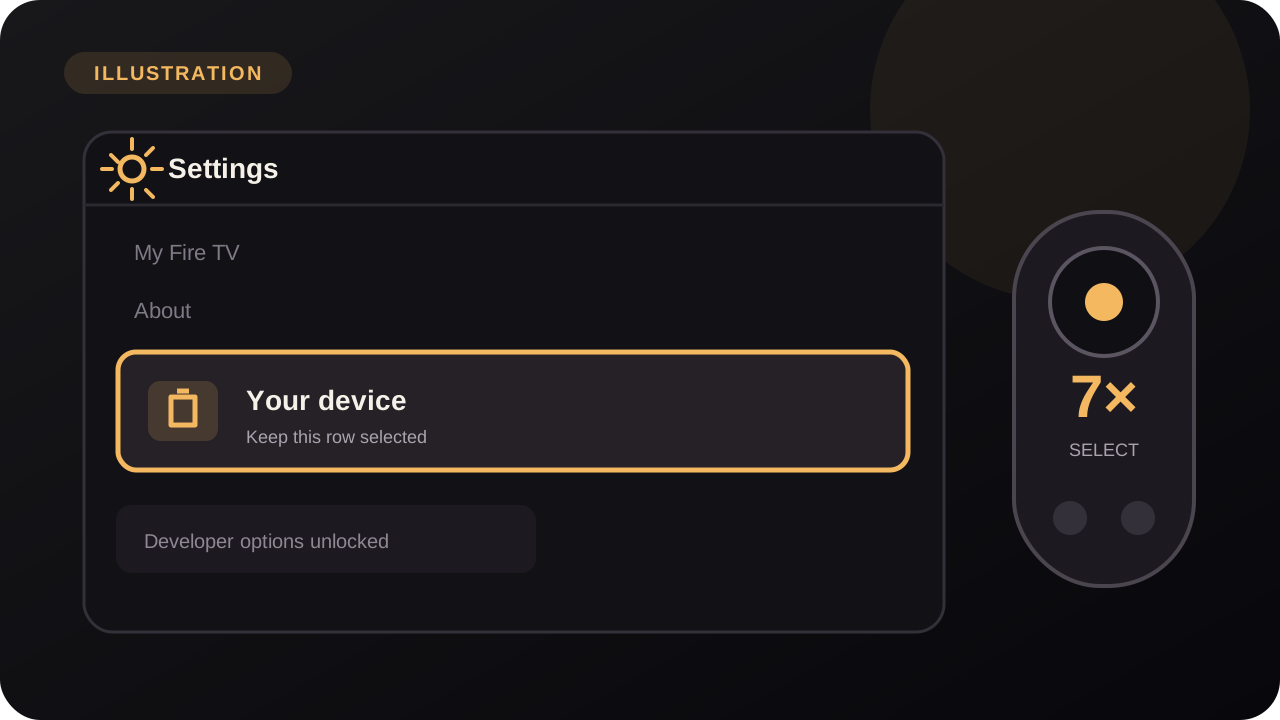
Go to Settings → My Fire TV → About, then select your device name and click it 7 times until it says developer options are unlocked.
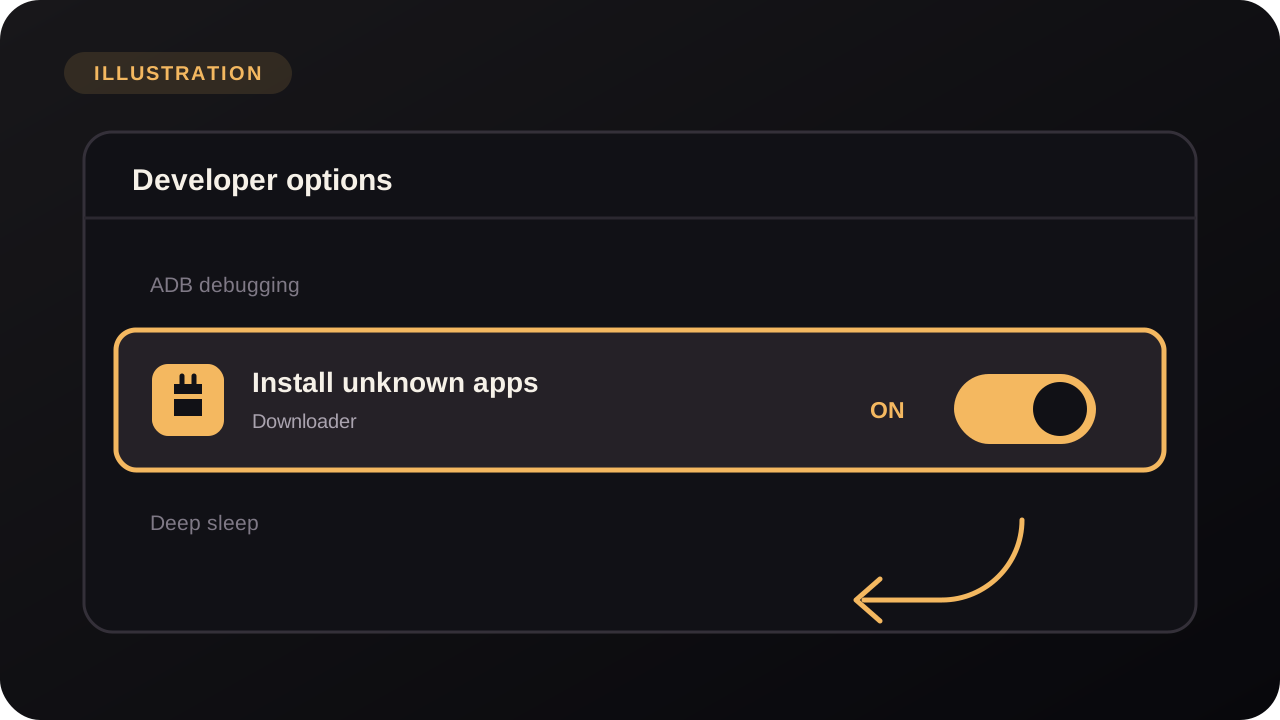
Go to Settings → My Fire TV → Developer Options and enable Apps from Unknown Sources. On newer menus this is Install Unknown Apps → turn it on for Downloader.
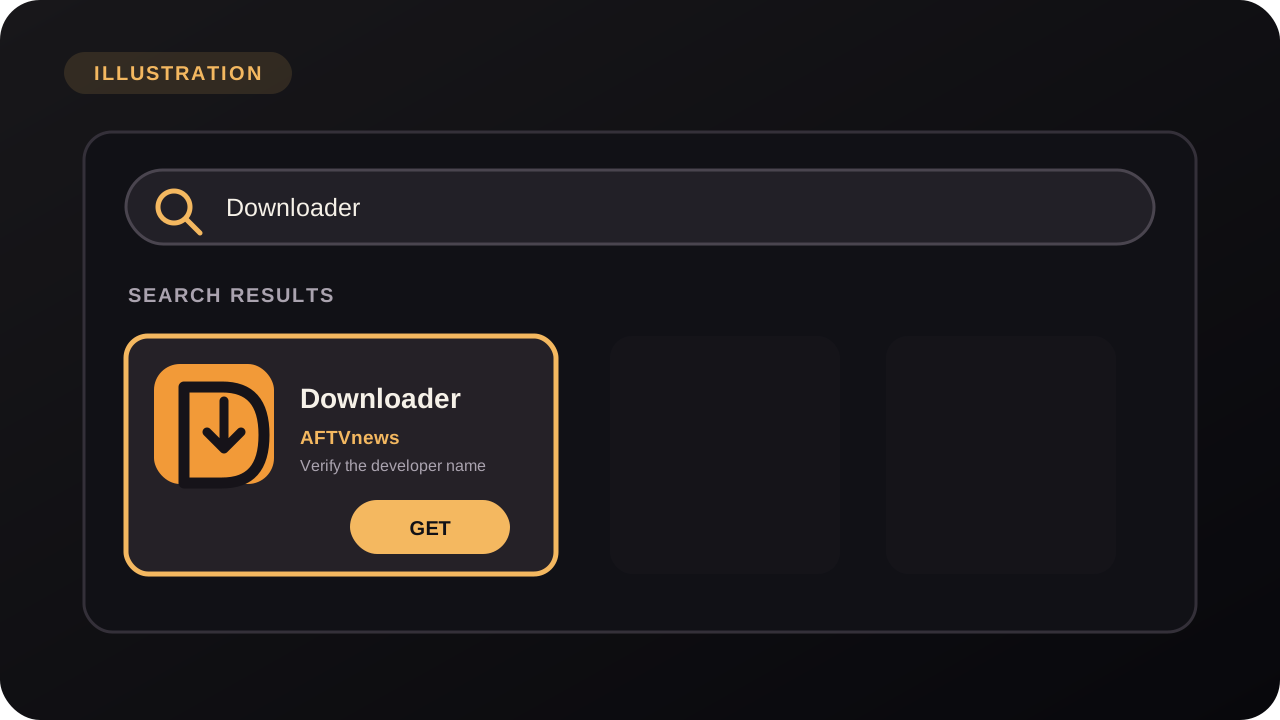
From the Fire TV home screen, search for “Downloader”, install the official app by AFTVnews, open it, and allow file access if prompted.
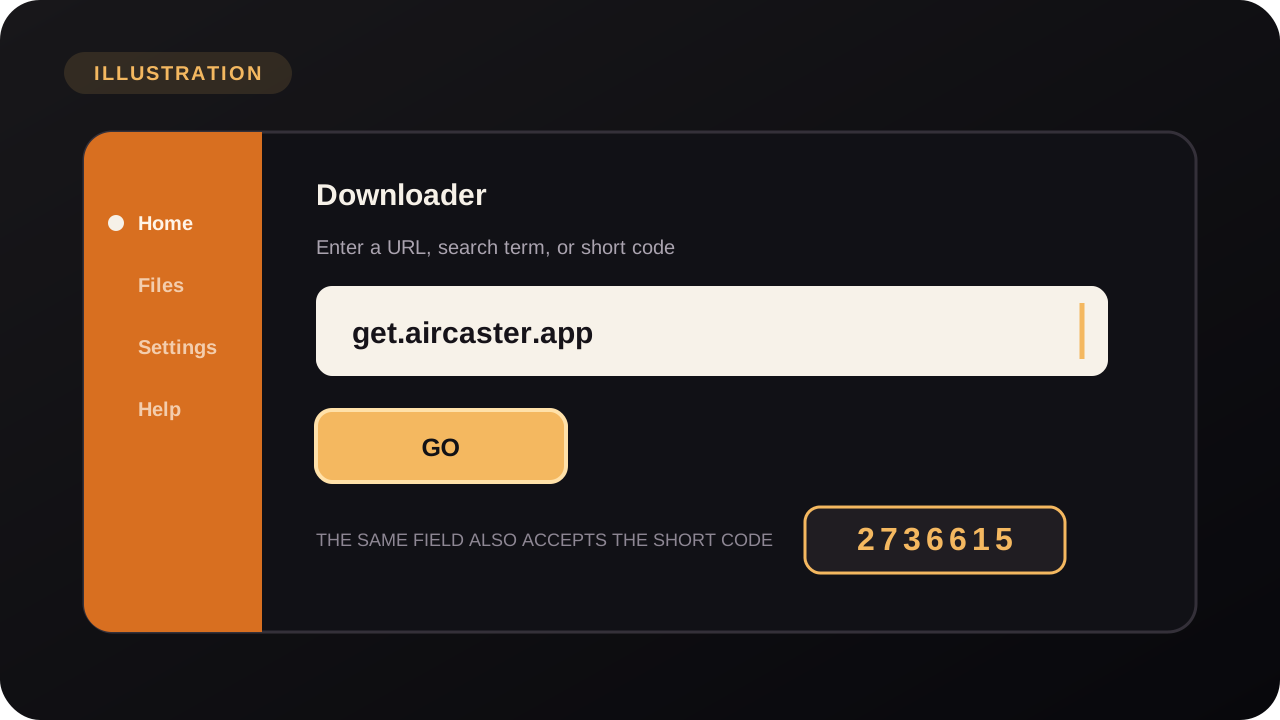
In the Downloader address bar, type get.aircaster.app/download?src=firetv (or press # and enter the code 4167520) and press Go.
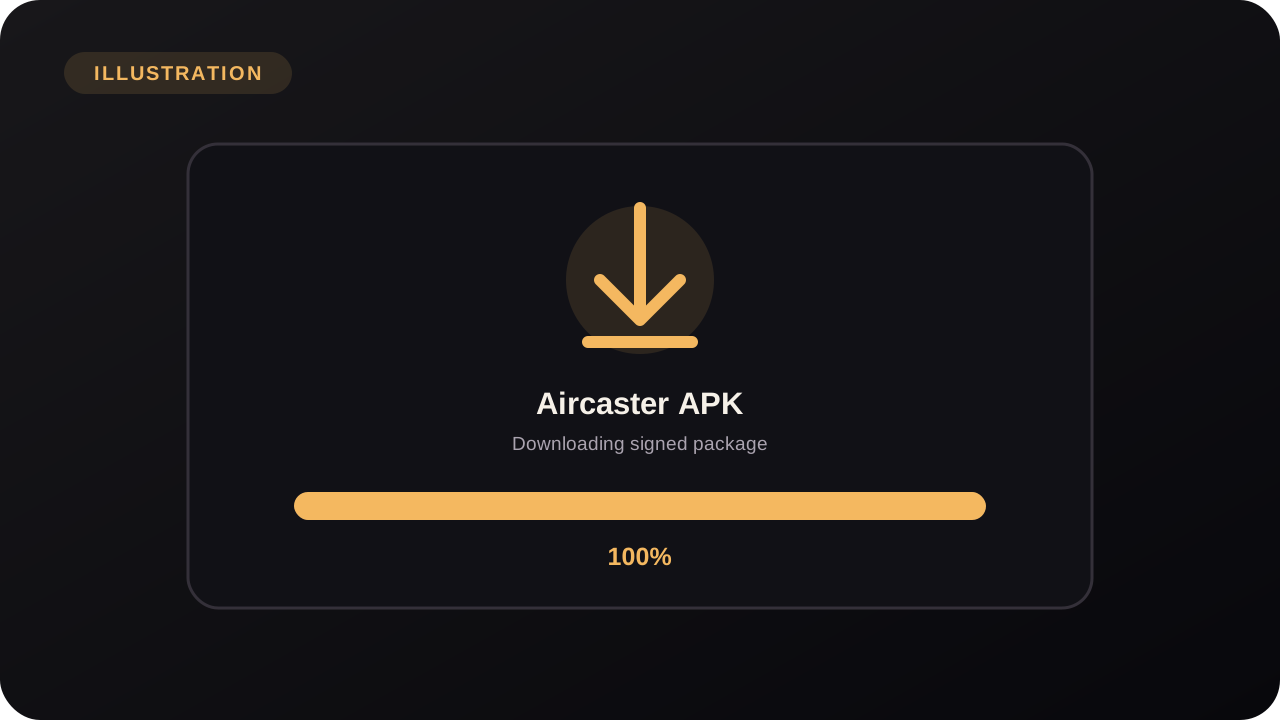
Downloader fetches the signed Aircaster APK. Let it finish.
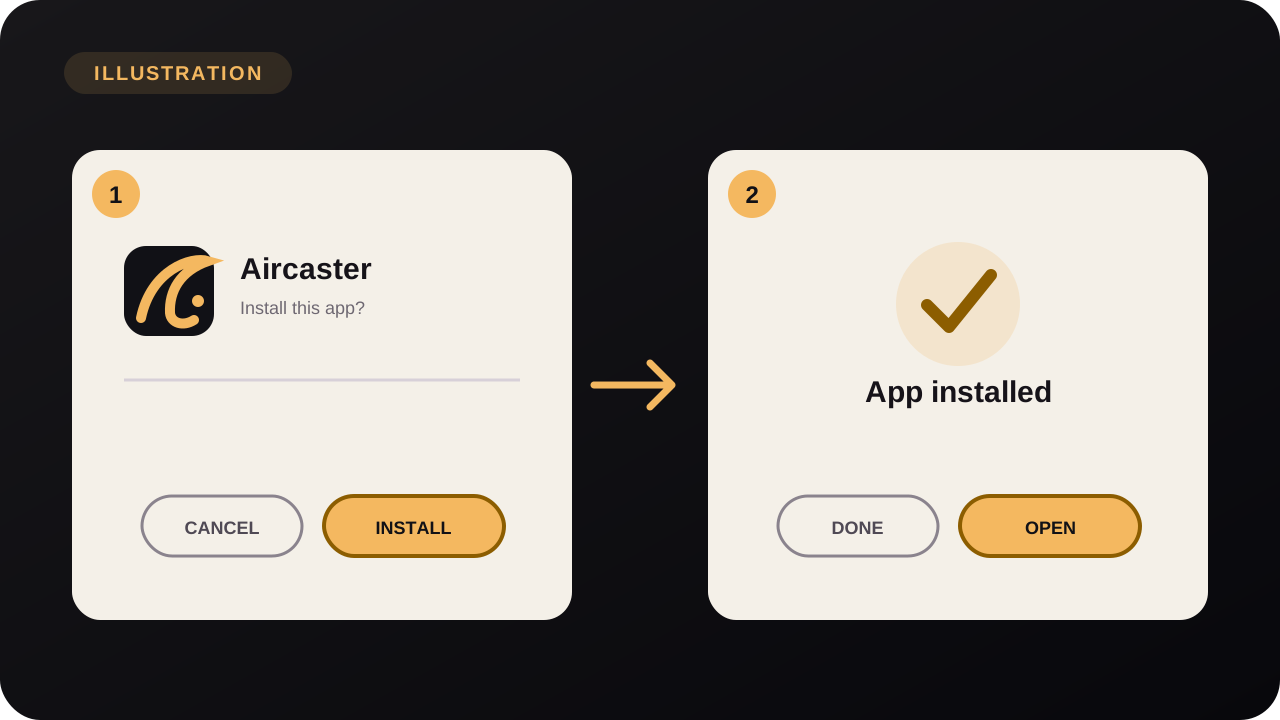
When the installer appears, select Install, then Done (or Open to launch Aircaster right away).
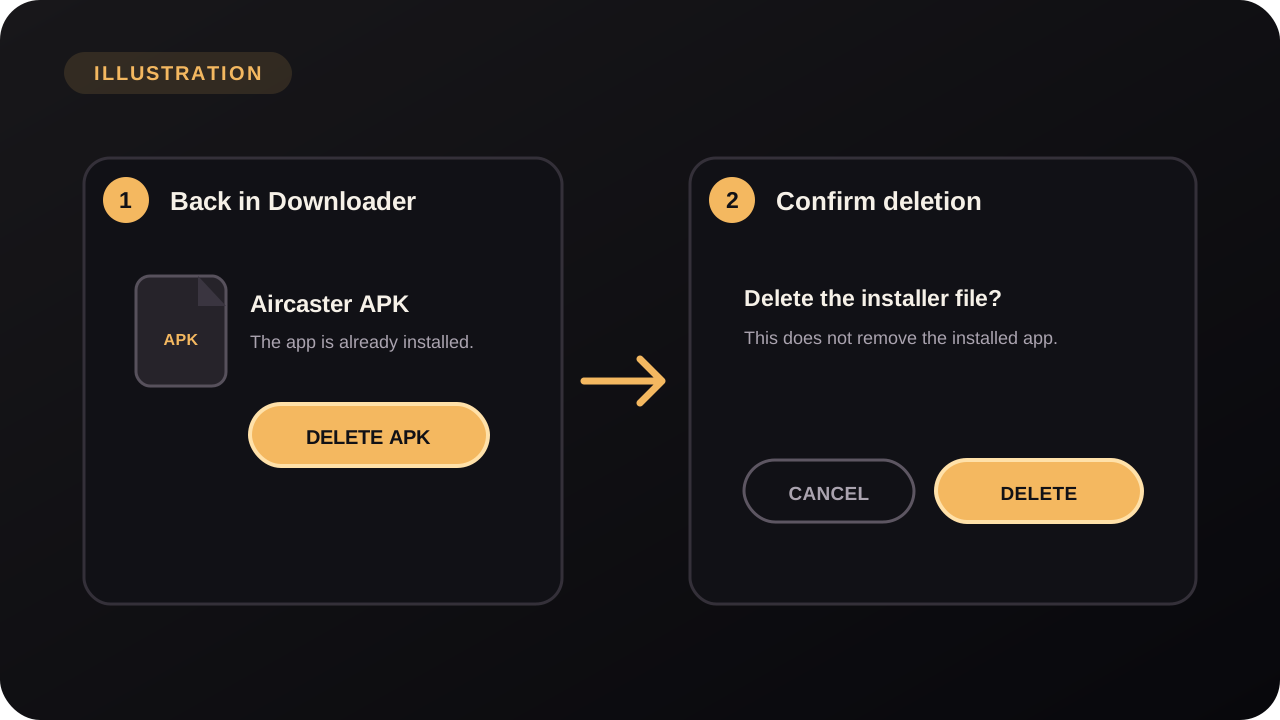
Back in Downloader, choose Delete, then confirm Delete again to remove the APK file and free space. You can also turn Apps from Unknown Sources back off now that you’re done.
Android TV & Google TV
Works on Google TV and Android TV sets (Sony, TCL, Philips, Hisense), Chromecast with Google TV, NVIDIA Shield, Xiaomi/Mi Box and other boxes running Android TV 9 or newer.
Google Play installs Downloader by AFTVnews, not Aircaster. Open Downloader, then enter:
get.aircaster.app/download?src=firetvOpen the Play Store on your TV and install Downloader (by AFTVnews).
The menu name varies by brand:
Open Downloader, type get.aircaster.app/download?src=firetv and press Go. When the APK finishes, choose Install, then Open. (Optional) Turn the “unknown sources” permission back off afterwards.
Apple TV, Roku, Samsung, LG…
These TVs don’t run Android apps, and they don’t need to. Install Aircaster on your phone, start playing, and cast to the TV. The phone stays your remote.
Phone and TV must be on the same Wi-Fi network. In Aircaster, open a channel or title, tap the Cast icon, and pick your TV from the list.
Get the phone app →